
Invoices, refunds and held payments
Record a bank transfer, void an invoice, refund all or part of a payment, and settle held or disputed payments.
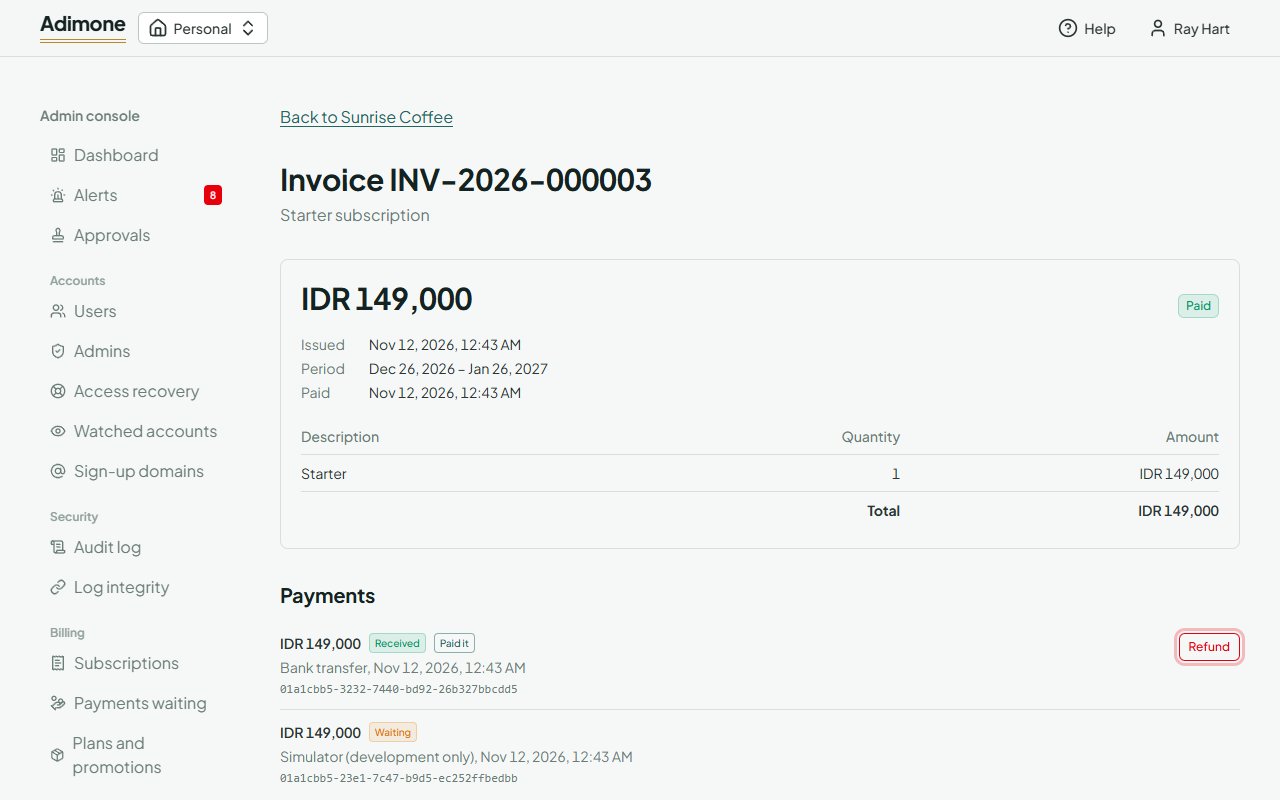
Open an invoice from a business's page, or type its number on Payments waiting. It shows the lines, the time it pays for and every payment made for it: the one that paid it, failed attempts and duplicates.
Record a bank transfer
When an owner paid an open (or void) invoice outside the gateway, choose Record a bank transfer. The invoice is paid and the time it pays for is added, as if the gateway had paid it.
Void an invoice
Void an open invoice nobody should pay any more. A payment of it that still arrives pays it anyway.
Refund
Refund on the payment that paid the invoice gives back all that's left or a part of it. Tick Sent back outside the gateway when you returned the money yourself, for example by bank transfer. Every refund gets a credit note, and the owner is emailed about it. A part keeps the paid time; all of it takes back the time the invoice paid for.
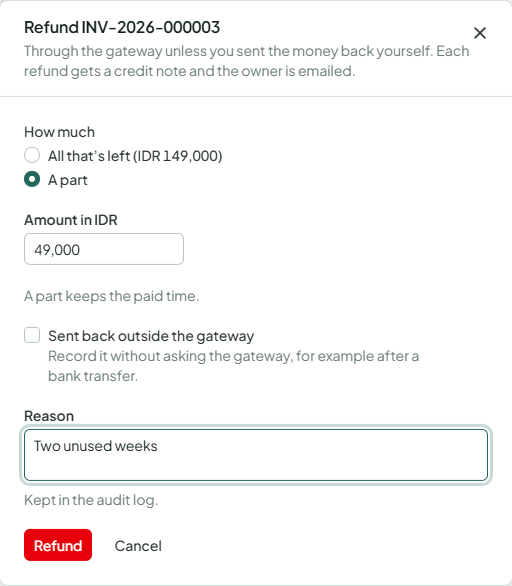
A Duplicate is a second payment of an invoice that was already paid; Refund the duplicate gives it back in full.
Payments waiting
Payments waiting lists payments a gateway couldn't settle by itself: Held ones, where the gateway reported another amount or currency than the invoice asked, and Disputed ones.
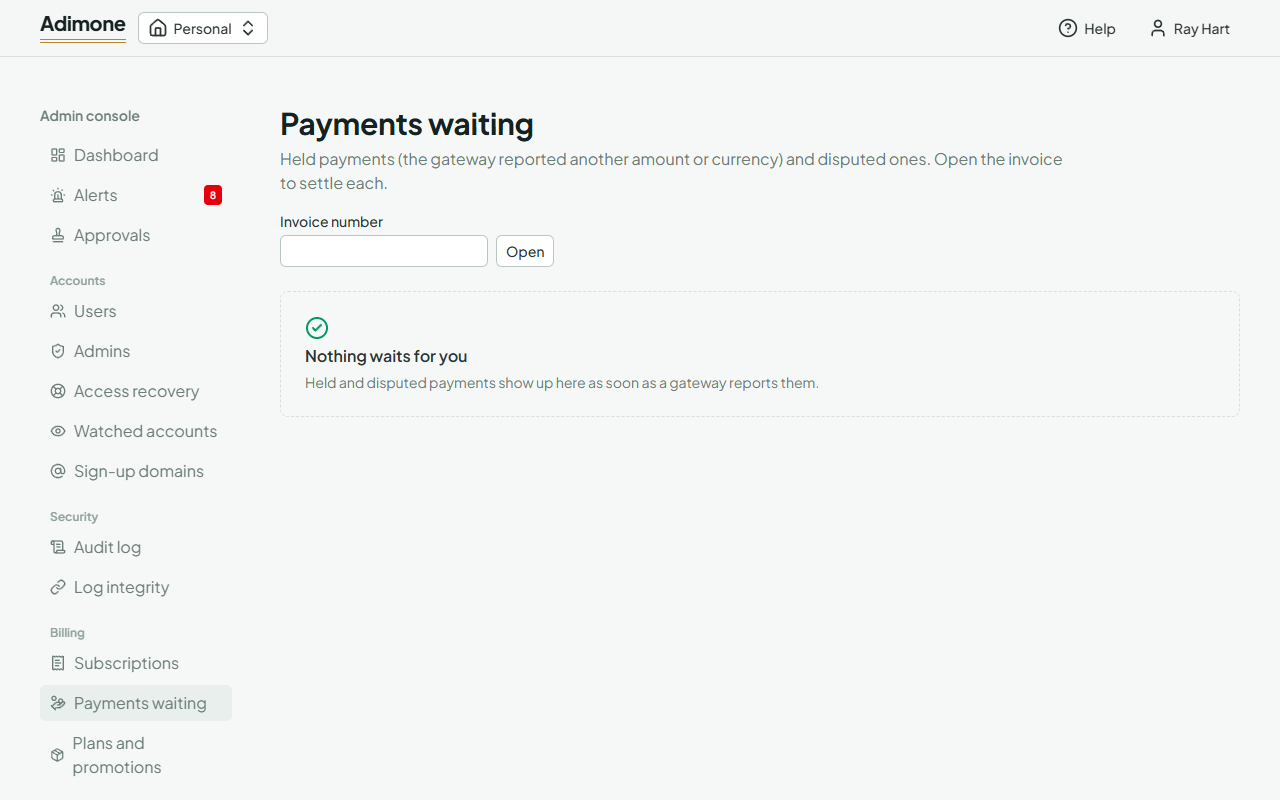
Open the invoice and choose Settle for a held payment: accept it (it pays the invoice with what arrived) or give it back. For a dispute whose outcome the gateway doesn't report, Record the outcome: won makes the invoice paid again; lost refunds it with a credit note.