
Approve changes with a second admin
Some changes wait for a second administrator (four-eyes). Approve, reject or withdraw them.
Once a server has two superadmins, the most sensitive changes need two people: one asks, another approves. This covers making someone a superadmin or security admin, changing or removing a superadmin's role, leaving the normal server mode, deleting an account, changing important integrations and the access recovery of a business owner's or an admin's account. Billing admins approve each other's large billing changes the same way; such a request shows the business or invoice it concerns and the change itself (the plan's new terms, the promotion, the grant, adjustment or hold, or the refund).
When your change has to wait, the console says Waiting for approval. The other admins get an email, and Approvals in the console shows how many requests wait for their decision.
Decide on a request
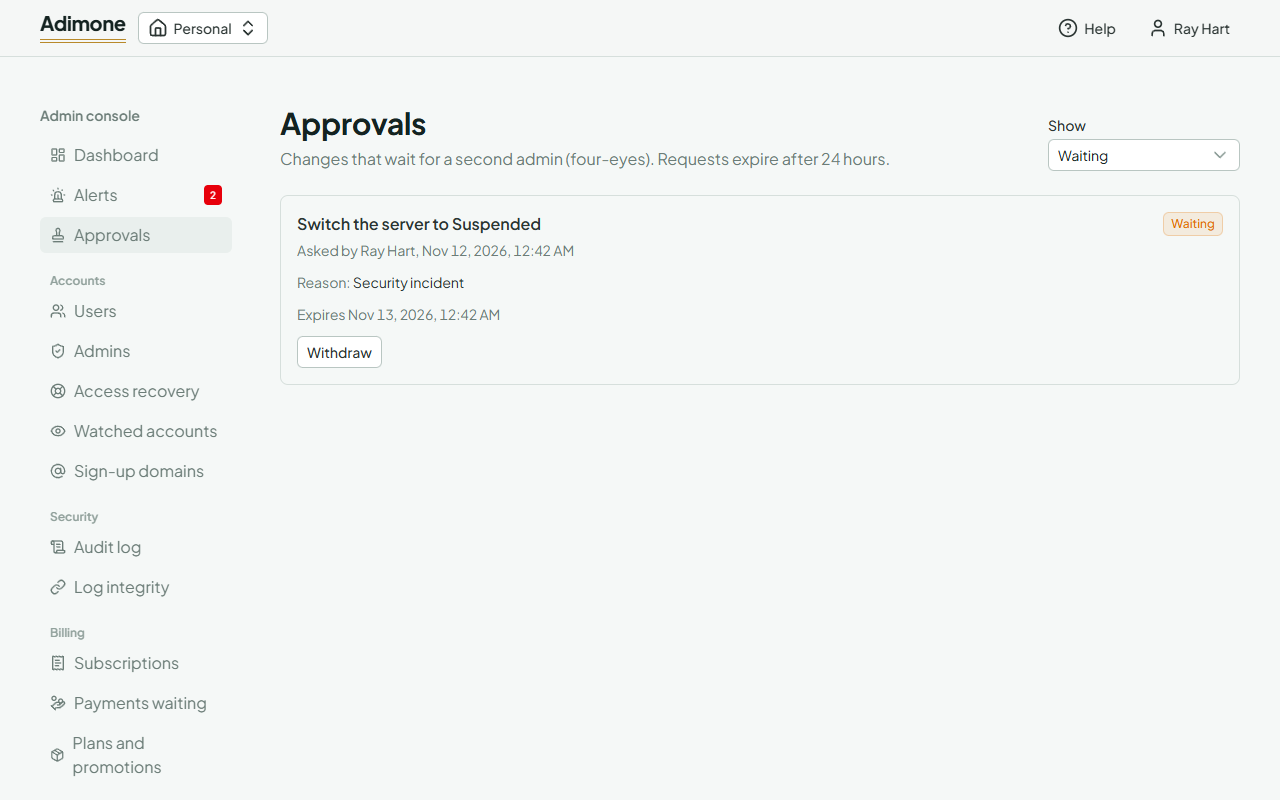
Open Approvals. Each request says what it changes, who asked, their reason and when it expires. Choose Approve to carry it out at once, or Reject; either way you can leave a note for the requester, who is emailed. If the change can no longer be made (for example, the account lost its passkeys), the request ends as Failed and says why.
You can't approve your own request. To take it back, choose Withdraw. Requests expire after 24 hours; use Show to see the ones already decided.