
Ask for goods with requisitions
List the goods someone in the business needs, submit the request, and let purchasing order it from a vendor.
A requisition is a request to buy: the items, how many, and when they're needed. It names no vendor and no prices. Whoever buys for the business turns it into a purchase order to a vendor.
Ask for goods
- In Purchasing, open Requisitions and choose New requisition.
- Enter a Reference if it helps, such as the job or the department the goods are for, and the Needed by day.
- Add the items, their units and quantities. An item's purchase unit comes first; pick another of its units if you count it differently.
- Under Notes, say what the goods are for or anything purchasing should know. Each line's settings take a note under the item and the line's custom fields.
- Choose Save draft to come back to it, or Submit requisition.
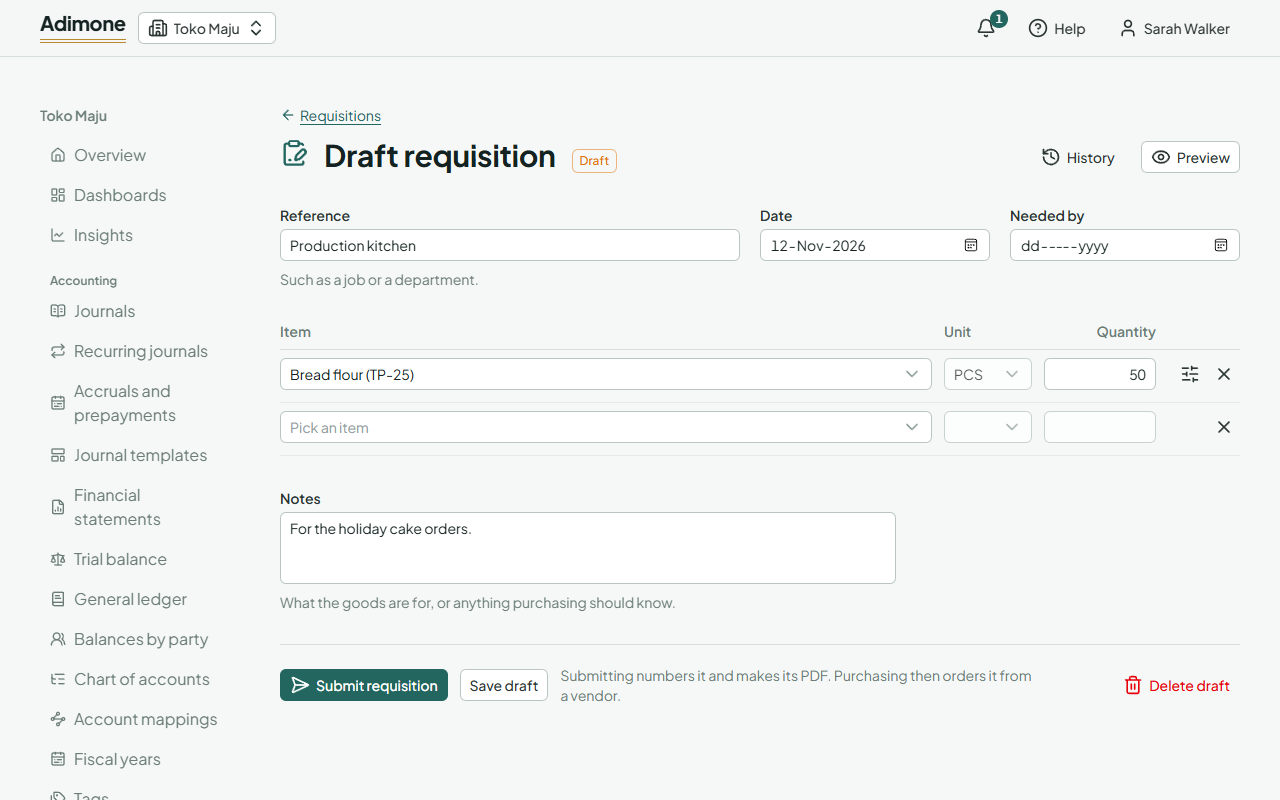
Submitting numbers the requisition and makes its PDF. It can't change afterwards: Copy as a new draft starts another from it.
From requisition to order
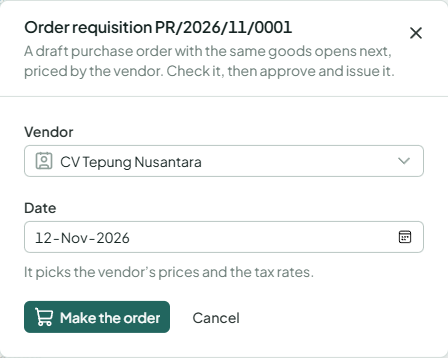
A submitted requisition waits for purchasing. Someone who prepares purchase orders opens it and chooses Order from a vendor, picks the vendor and the order's date, and gets a draft purchase order with the same goods, notes and fields, priced by that vendor. The requisition then reads Ordered and links to its order.
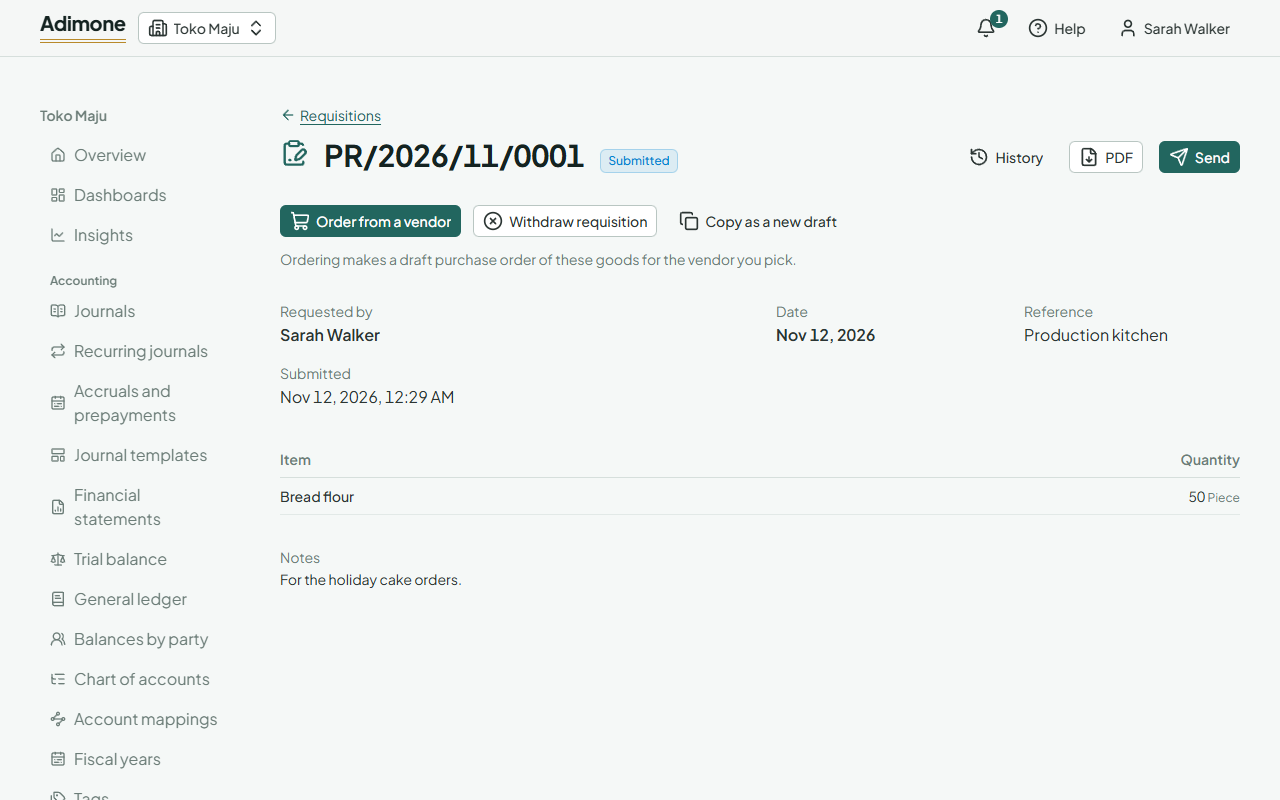
If the goods aren't needed after all, Withdraw requisition marks it withdrawn with the reason, and nobody orders it. When its order is deleted or cancelled, the requisition can be ordered again.
Who sees requisitions
Anyone whose role lets them write requisitions sees requisitions, their own and others', but no purchase orders or prices. Purchasing and the accountant see both. See Roles and permissions.