
Report a change you didn't make
Got an email about a password or address change, or a sign-in, that wasn't you? Secure your account with one click.
We email you when:
- your password changes;
- your account moves to another email address (we write to the old address);
- someone signs in from a device or country your account hasn't used in the last 90 days;
- we notice unusual activity, such as a sign-in from far away soon after another one, or at an hour you're never active.
The sign-in emails say when, from which browser and system, and from which address (and roughly where, when the server knows). If it was you, for example on a new laptop or on a trip, there's nothing to do.
All these emails have a "this wasn't me" link. Use it if you didn't make the change or the sign-in.
What to do
- Open the "this wasn't me" link in the email. It works for 7 days.
- Read what will happen and choose Secure my account.
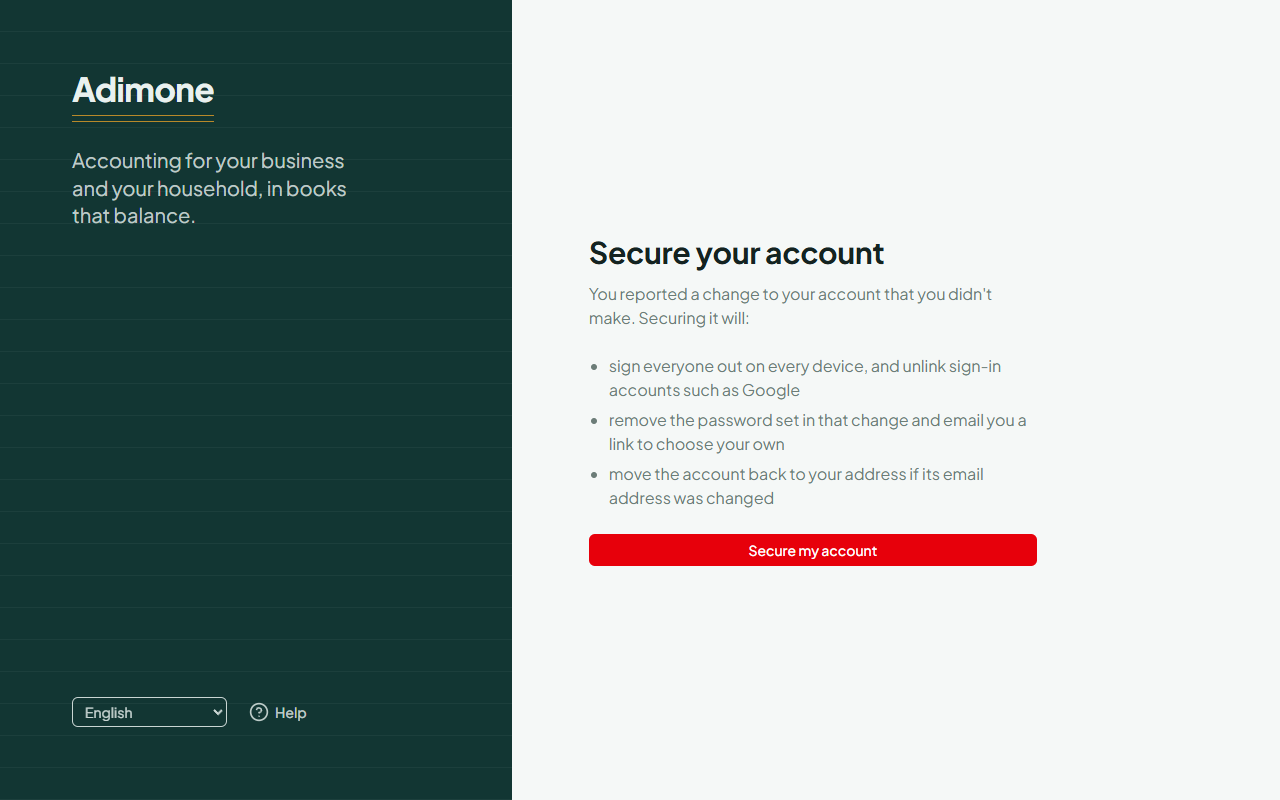
The page asks for the click on purpose: some email programs open links by themselves to check them, and that must not change your account.
What securing your account does
- Everyone is signed out on every device, including whoever made the change.
- The password set in that change is removed, and we email you a link to choose your own.
- Sign-in accounts such as Google are unlinked, in case the other person linked theirs. You can link yours again afterwards.
- If the email address was changed, the account moves back to your address.
Your two-step verification stays as it was, so you'll need your code or passkey when you choose the new password.
Afterwards
- Open the reset link we sent and choose a new password you haven't used before.
- Check where you're signed in and your second steps.
- Turn on two-step verification if it was off.
If you can't get back in, ask for your account back.